
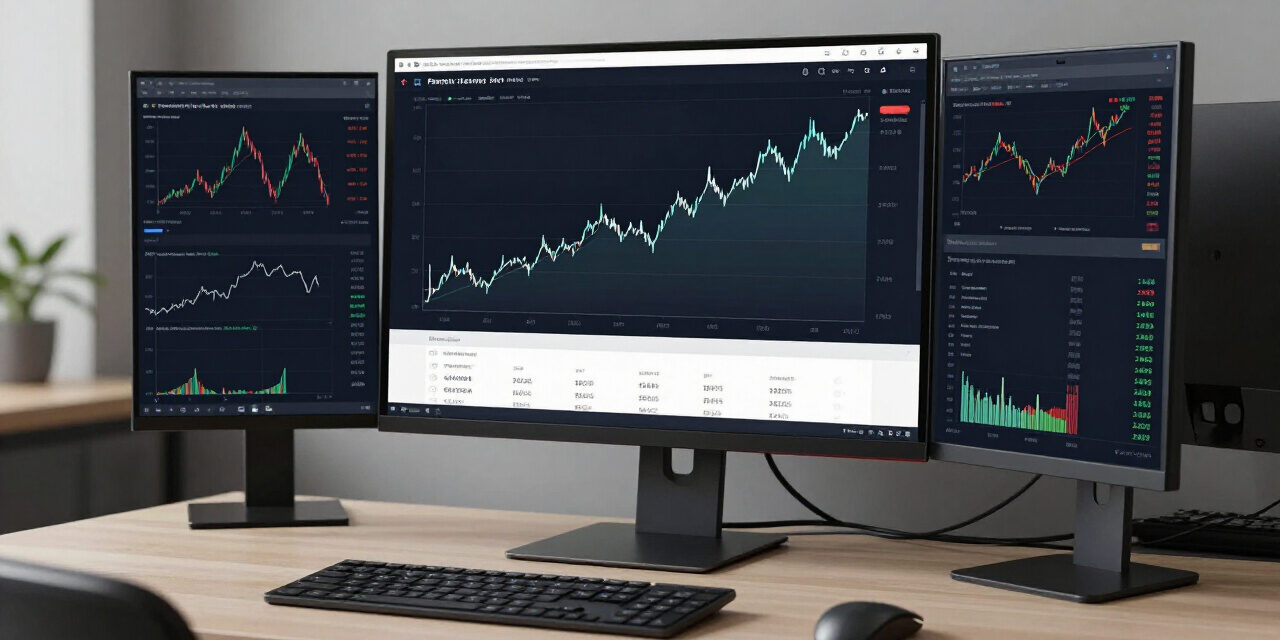
Professional traders treat their market participation as a business venture rather than a speculative hobby. The foundation of this professional approach is the disciplined logging of every trade into a structured excel trading journal. Without a granular record of entry logic, exit conditions, and emotional state, a trader operates in a vacuum where bias replaces objective data. By tracking key performance metrics such as expectancy, win rate, and drawdown profiles, participants gain the ability to iterate on their strategy based on statistical reality instead of intuition. This guide provides the technical blueprint for building a robust logging system that transforms raw data into actionable insights for the [currentmonth] [currentyear] market environment.
Effective journaling requires more than just noting profit and loss figures. It demands the capture of high-resolution metadata for every position. When you maintain an accurate historical database, you identify which specific market conditions favor your chosen setups and which market phases consistently bleed your account equity. Consistency in the financial markets arises from the reduction of systematic errors, a goal achieved primarily through the objective post-mortem analysis of your trade executions.
- Explore importing trade logs into Monte Carlo simulation trading model.
- Explore improving execution discipline with 15 best books on day trading & psychology.
- Explore calculating lot sizes using multi-asset margin calculator.
Essential Components of an Excel Trading Journal
A robust Excel trading journal functions as the central repository for your quantitative trading performance data. By tracking entry timestamps, position sizes, risk-to-reward ratios, and emotional triggers, you develop a statistical profile of your decision-making. This infrastructure allows for the calculation of net expectancy and cumulative drawdown metrics per strategy.
To begin constructing your master file, you must define the data schema that will reside in your columns. Avoid the temptation to over-complicate your initial build. Start with these core pillars of data collection to ensure long-term sustainability and data integrity for your [currentyear] performance audits.
- Trade Identification: Assign a unique ID to every position for easy filtering and pivot table grouping.
- Technical Setup: Categorize your trades by pattern (e.g., trendline break, mean reversion, or breakout).
- Risk Management Metrics: Record your stop loss distance in pips and the corresponding dollar risk to calculate your risk-per-trade percentage.
- Exit Rationale: Define whether you exited due to a stop loss, profit target, or manual intervention based on a shifting market sentiment.
Practitioner Pro-Tip: Never estimate your R:R. Use a calculator to determine the distance between your entry and exit points relative to your stop loss. Tracking this precision prevents “hope-based” trading and highlights your actual risk management efficacy.
Calculating Risk-to-Reward (R:R) Ratios
The risk-to-reward ratio represents the fundamental mathematical relationship between your potential loss and your projected gain. In an Excel environment, you calculate this by dividing the potential gain (distance to target) by the potential risk (distance to stop loss). Maintaining a ratio above 1.5 is standard for sustainable equity growth.
Calculating your R:R is the most critical step in performance evaluation. If your win rate is only 35 percent, you cannot afford to have an R:R of less than 2:1. When you enter your data into your spreadsheet, use dedicated columns for “Risk Amount” and “Reward Amount.” Excel functions such as =IF(G2>0, G2/H2, 0) can automate these calculations, providing instant feedback on the quality of your trade setup before you execute.
Many traders mistake high win rates for profitability. In reality, a trader with a 40 percent win rate can easily outperform a trader with a 60 percent win rate if their R:R is consistently superior. Use your excel trading journal to plot a scatter graph of your R:R versus profit results. This visualization often reveals that the most profitable trades are those where the R:R was highest, regardless of the ultimate outcome of the individual position.
If you are struggling with execution discipline, consider opening an account with a platform that offers tight spreads and deep liquidity to ensure your R:R calculations remain accurate throughout the trade lifespan.
Monitoring Drawdown and Equity Volatility
Drawdown analysis tracks the peak-to-trough decline in your account equity during specific periods. By recording cumulative profit values after every trade, you can build a running drawdown chart. This metric identifies the threshold at which your strategy becomes statistically invalid, preventing catastrophic account failure and forced liquidation of capital.
Monitoring drawdown is a psychological and financial safeguard. If your historical data shows that your strategy suffers from a 15 percent drawdown during high-volatility months, you will know exactly when to reduce your position size. Without a logged drawdown log, you may be tempted to increase your risk exactly when your strategy is entering a losing phase.
To implement this, create a column in your spreadsheet titled “Cumulative Account Balance.” Every row represents one trade, and the cell value should reflect your balance after the trade closes. Use a simple formula to subtract the current balance from the highest previous balance in your historical list. When this number turns negative, you are in a drawdown. Monitoring this allows you to distinguish between a bad streak and a structural failure of your trading model.
Automating Win Rate Analytics
Win rate analytics determine the percentage of your total trades that result in a profit. By using Excel’s COUNTIF function, you can dynamically track your success rate per strategy, timeframe, and instrument. This empirical data eliminates the emotional bias that often leads traders to overestimate their performance accuracy.
The formula =COUNTIF(Range, “>0”) / COUNT(Range) allows your spreadsheet to update your win percentage in real time. For more advanced users, utilize a “Pivot Table” to break down win rates by currency pair or market sector. You might discover, for instance, that you win 65 percent of your trades in the EUR/USD pair but only 38 percent in gold.
Data-driven traders often find that their win rate fluctuates based on the time of day. By including a “Session” column (e.g., London, New York, or Asian), you can isolate your performance. If your win rate drops significantly during the Asian session, your spreadsheet will clearly signal that your strategy is not optimized for low-liquidity environments. This information is pure gold for refining your routine for the [currentyear] calendar.
Structuring Your Spreadsheet for Maximum Efficiency
A functional spreadsheet architecture requires a logical flow from data entry to dashboard reporting. Organize your file into three main tabs: Data Entry (the daily log), Performance Metrics (automated analytics), and Graphical Dashboards (visual charts). This separation keeps your raw data clean and ensures that your pivot tables remain highly performant.
Avoid using merged cells or overly complex macros in your core data tab, as these often cause errors when sorting or filtering large datasets. Keep your data entry tab as a standard table object in Excel. This allows you to apply “Slicers” which are incredibly powerful for filtering your history by date, strategy type, or instrument without writing manual formulas.
Your performance metrics tab should be the “brain” of the operation. Link your calculations here back to the entry tab. By isolating your analysis, you protect your formulas from being accidentally deleted during daily updates. If you ever feel that your manual journaling process is becoming too slow, consider using automated trade reporting tools that export directly into a CSV format compatible with your existing structure.
For those looking to expand their trading capabilities, understanding how to read order flow alongside these statistics can further stabilize your equity curve. Ensuring your hardware and connectivity are optimal is another step in maintaining the discipline required to use your journal effectively every single day.
Frequently Asked Questions
Frequently asked questions regarding journal maintenance focus on data accuracy, frequency of entry, and the interpretation of statistical results. Addressing these queries ensures that your journaling habit evolves into a reliable source of truth, helping you move past common trading obstacles and toward professional-grade performance in the financial markets.
- How often should I update my trading journal? You must update your journal immediately after every closed trade. Waiting until the end of the week leads to data leakage, as you will likely forget your emotional state or the specific nuance of the entry decision during the heat of the market session.
- What is the best way to handle partial profits in a journal? Treat each partial take-profit exit as an individual line item if your broker reports them as separate executions. Alternatively, log the entire trade using the average exit price to keep your spreadsheet complexity manageable while maintaining accurate profit data.
- Why is my win rate high but my profit low? This phenomenon usually indicates that you are cutting winners too early and letting losers run too long. Your excel trading journal will highlight this by showing a high win percentage paired with a negative risk-to-reward ratio across your trade history.
- Should I include commission and swap fees? Yes. Your journal must record net profit after all transaction costs. If you exclude these fees, you are masking the true cost of your trading business and will receive an inaccurate representation of your overall strategy performance.